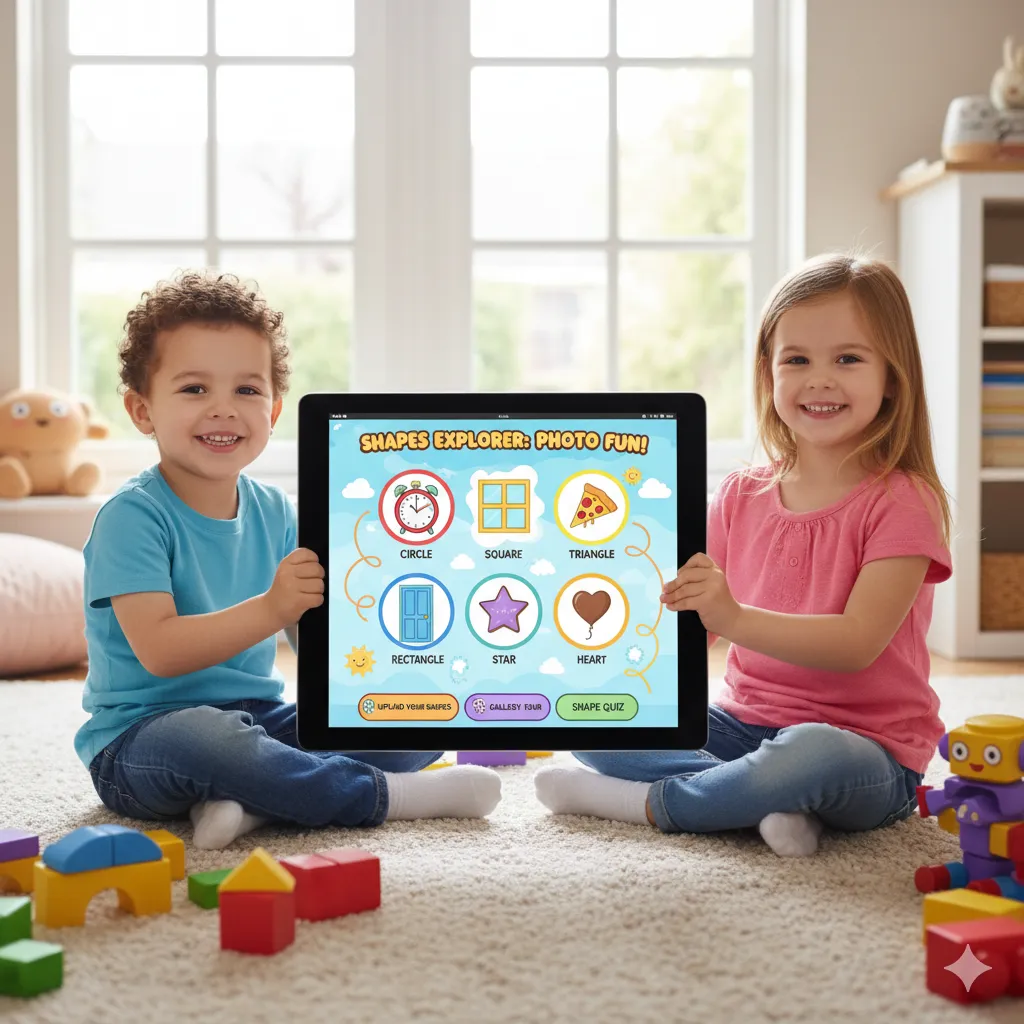
Bring web development skills to life with School Website and E-commerce Project! Students will learn to design and build a functional school website, showcasing information, events, and resources. In the E-commerce project, they’ll create an online store with product listings, shopping carts, and interactive features. Perfect for developing practical coding skills, creativity, and real-world web development experience.
Introduction to Web Development
Course
Introduction to Web Development: Learn HTML tags to create the structure of your website. Give a dynamic look to your website by using CSS styles.
Gain the ability to create logic and conditions to develop an interactive website using the Javascript Programming Language.
Overview of HTML:
This section covers the Introduction of Web development and all types of HTML tags.
Overview of JavaScript:
This section gives an overview about about JavaScripts and its implementation it in various projects.
🎉 Ready to start your child’s coding adventure? Get started with Web Development today!
3 Level | Age 9+

Choose Your Level
Select the level that best fits your learning journey
Level 1
Introduction to Web Development-HTML/CSS/JavaScript
Step into the world of Web Development with this beginner-friendly course on HTML, CSS, and JavaScript! Learn how to build and style web pages, create interactive elements, and bring your ideas to life on the web. Students will gain hands-on experience designing responsive layouts, adding animations, and programming basic interactivity, laying a strong foundation for a future in web development.
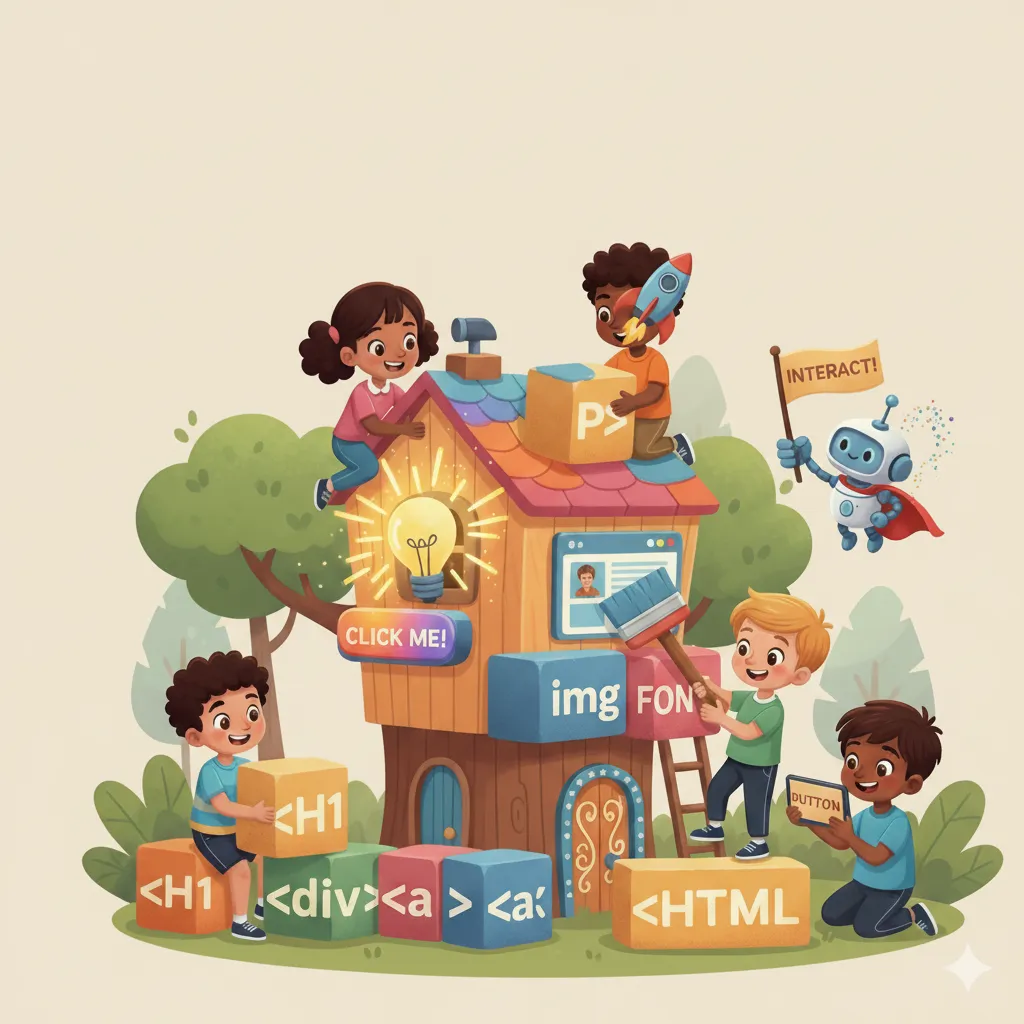
Level 1 Syllabus
-
HTML Fundamentals
a. Introduction & Basics
-
Introduction to HTML
-
Some Common HTML Elements
b. Structuring Content
-
Lists
-
HTML Tables
-
Forms
-
-
JavaScript Programming
a. Basics & Fundamentals
-
Introduction to JavaScript, Variables and Datatypes
-
Operators and Conditionals, Control Flow
-
Loops and Functions
b. Data Handling & Modules
-
Strings and Arrays
-
Other Modules – Math, Random, and Boolean
-
Other Modules – DOM and Event Handling
-
🎯 Major Projects (Level 1)
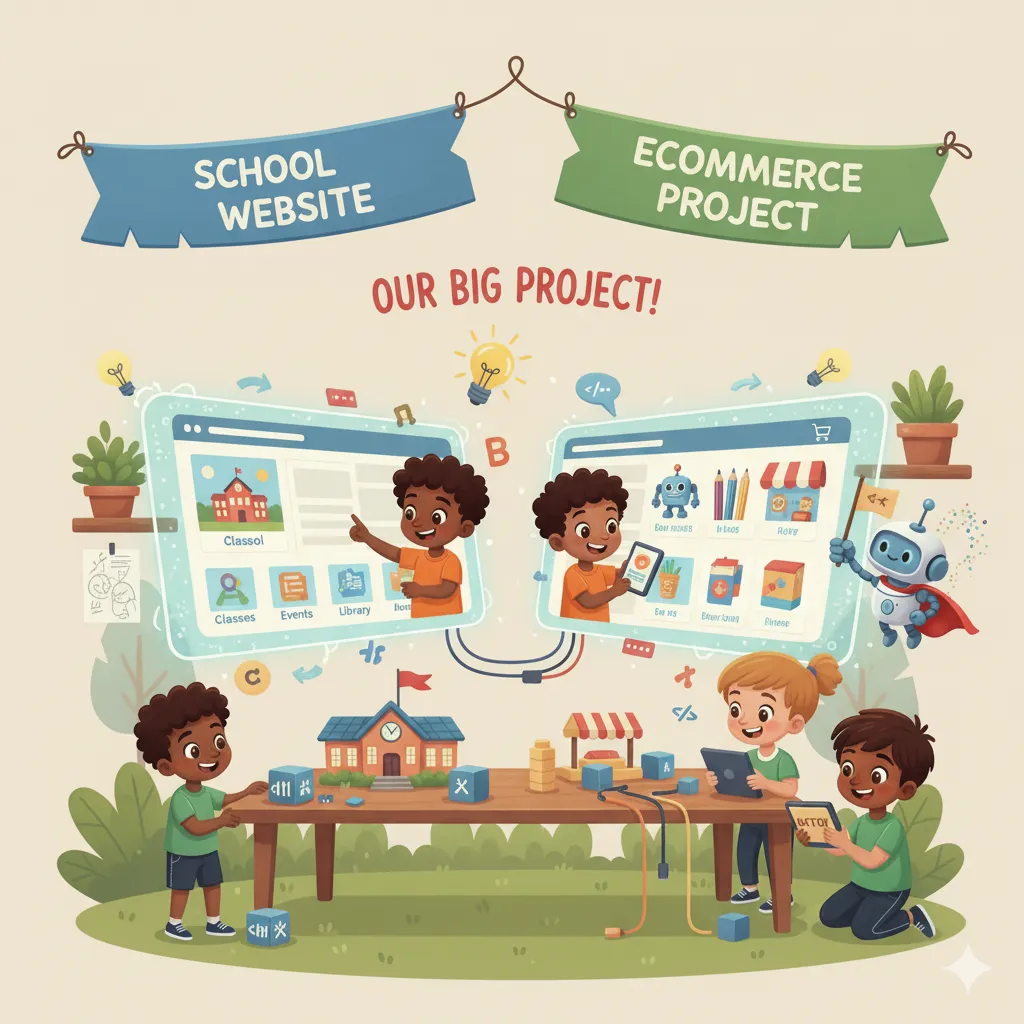
School Website and Ecommerce Project
Level 2
Designing Tools - UI/UX, Bootstrap
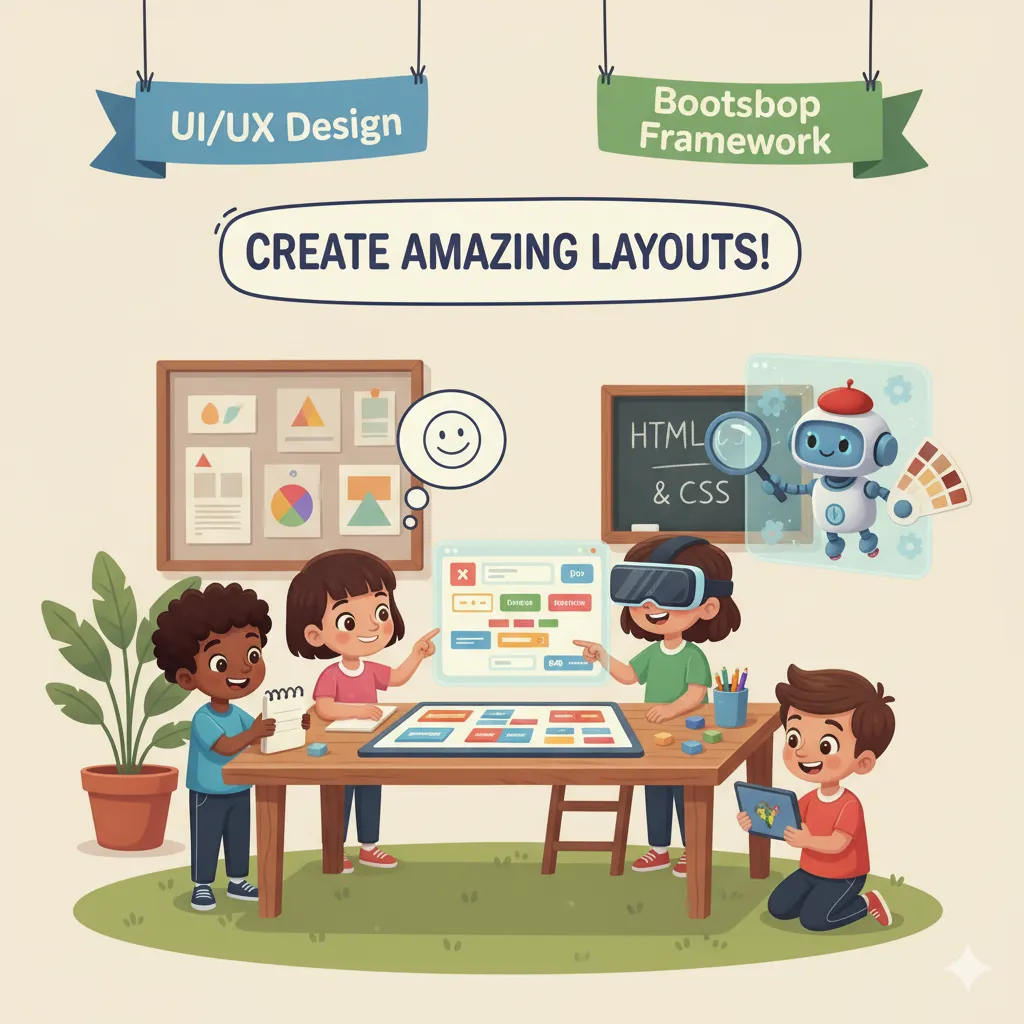
Explore the essentials of Designing Tools: UI/UX and Bootstrap! Students will learn how to create visually appealing and user-friendly interfaces, design responsive layouts, and enhance website functionality using Bootstrap. This course combines creativity and technical skills, teaching best practices in user experience design while building practical, real-world projects.
Level 2 Syllabus
-
UI/UX Design Fundamentals
a. Introduction & Basics
-
What is UI? Features
-
What is UX? Difference Between UI and UX
b. Designing & Prototyping
-
Wireframes
-
Mockups for Website
-
Website Using UI/UX
c. Practice & Revision
-
Reading Practice App
-
Revision of CSS, Types of CSS, and CSS Selectors
-
-
Bootstrap & Responsive Web Design
a. Introduction & Layouts
-
Bootstrap Introduction and Using Bootstrap
-
Containers and Layout – Using Jumbotron
-
Bootstrap Grid System
b. Components & Applications
-
Thermometer App Using Thermometer Sensor
-
Bootstrap Card Components 1 – Making a Cafe Website
-
Bootstrap Navbar 1 – Making a Café Website
-
Bootstrap Card Components 2
-
Bootstrap Navbar 2
-
Font Awesome Icons
-
Footer Components
c. Bootstrap JS & Interactive Features
-
Introduction to Bootstrap JS
-
Collapse – 1, 2
-
Alert – Login Page
-
Scrollspy
-
Dropdown – Solar System
-
Carousel – Travel Website
-
Modal Component
d. Project-Based Learning
-
Educational Website
-
Portfolio Website
-
🎯 Major Projects (Level 2)
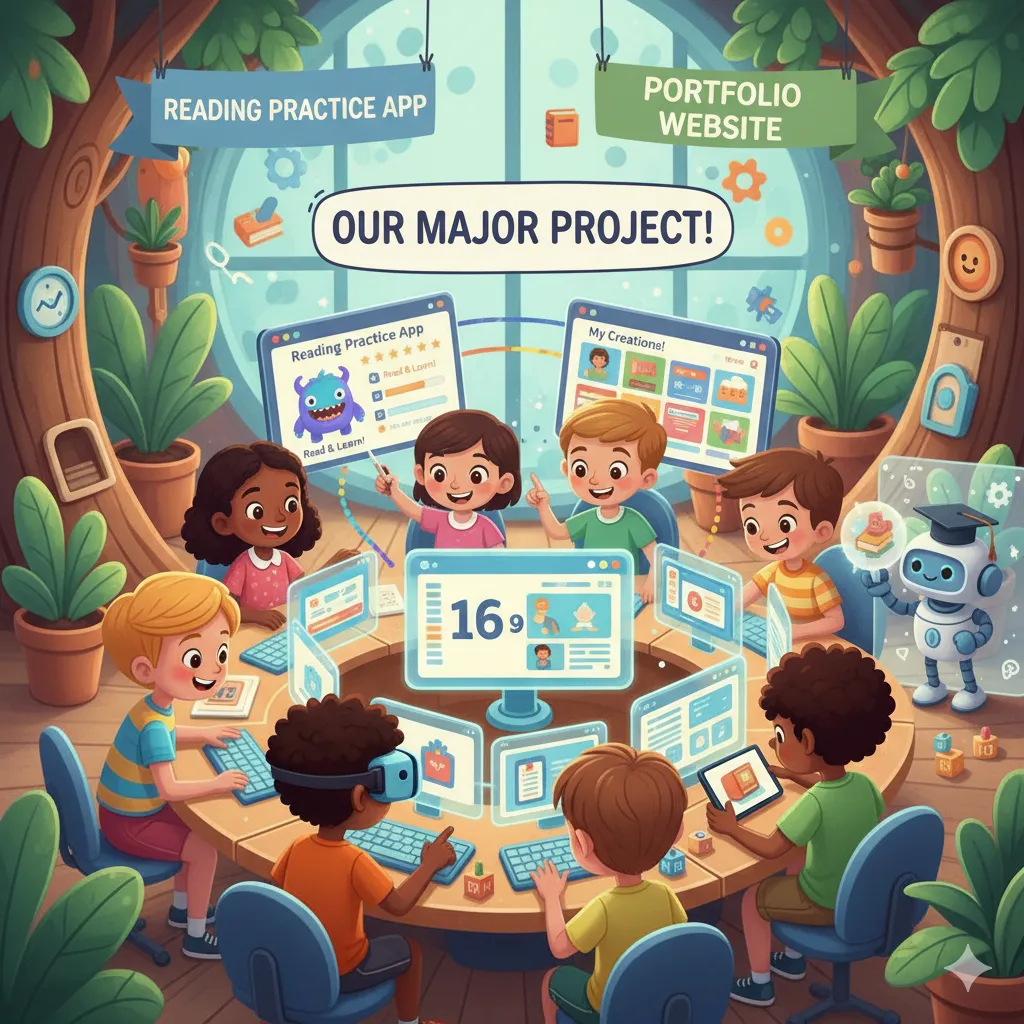
Reading Practice and App Portfolio Website
Enhance learning and coding skills with Reading Practice and App Portfolio Website projects! Students will create interactive reading practice tools to improve literacy and comprehension, while also designing a professional app portfolio website to showcase their projects. Perfect for combining creativity, programming, and practical web development experience.
Level 3 Syllabus
-
P5.js Programming & Creative Coding
a. Introduction & Basics
-
Introduction to P5.js Editor
-
Your First Sketch – Web Editor and Other Editor
-
Variables and Functions
-
Debugging
b. Control Flow & Animation
-
Control Statements
-
Animation
-
Loops
c. Data Structures & Advanced Concepts
-
Arrays
-
Classes and Objects
-
Images
-
Libraries
-
Random
d. Project-Based Learning
-
Mini Project
-
Project Using P5.js Editor
-
-
WordPress Web Development
a. Introduction & Basics
-
Introduction to WordPress
-
WordPress Basics
-
WordPress Design Blocks
-
WordPress Text Formatting Blocks
-
WordPress Media Blocks
-
WordPress Widgets
-
WordPress Content Management System
b. Themes & Plugins
-
Introduction to Themes and Plugins
-
Using Elementor
c. Project-Based Learning
-
Project 3 Part 1 – Using Astra Theme
-
Project 3 Part 2 – Editing the Page Using Elementor
-
Project 3 Part 3 – Editing Pictures and Videos
-
Project 3 Part 4 – Adding Pages to the Existing Website
-
Web Hosting
-
🎯 Major Projects (Level 3)
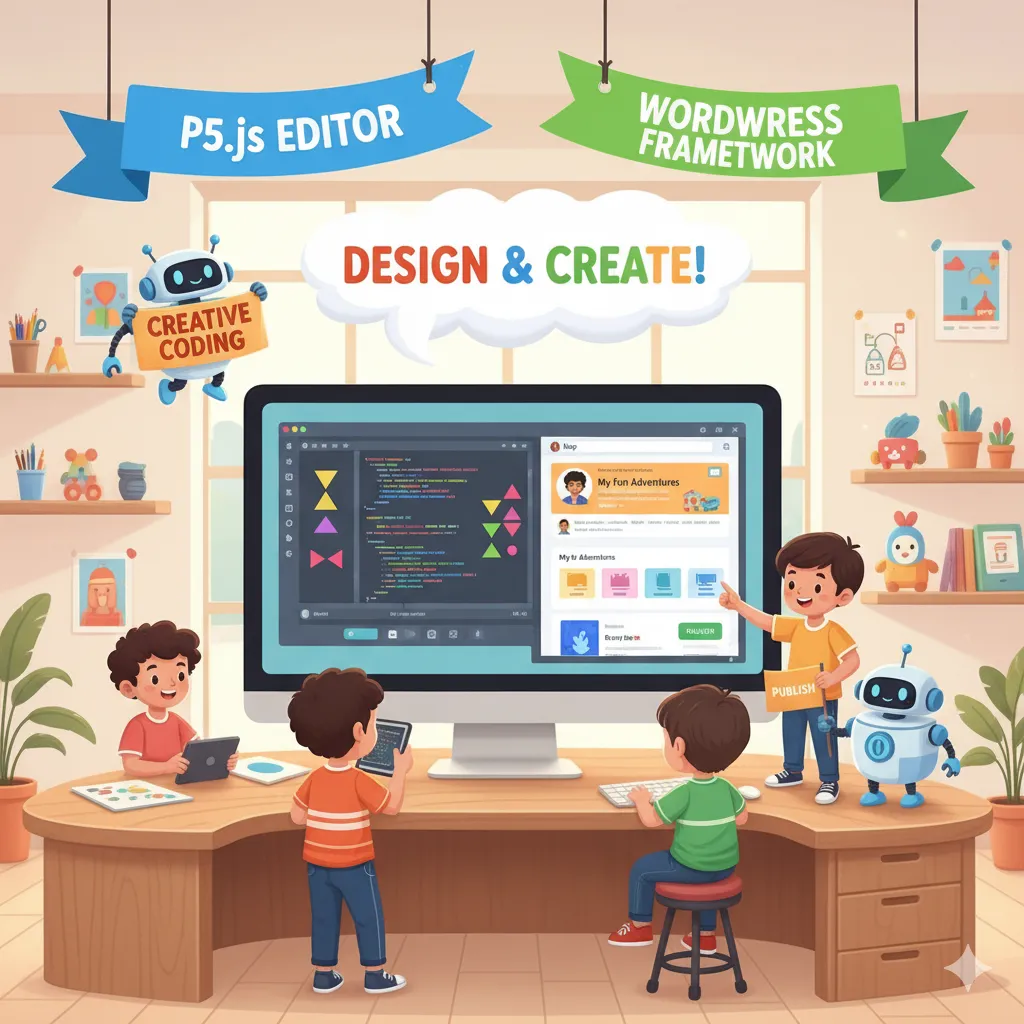
Shapes Project and Photo Gallery Website
Combine creativity and web development with Shapes Project and Photo Gallery Website! Students will design interactive shapes and graphics using coding tools, while also building a responsive photo gallery website to display images beautifully. This course enhances programming skills, design thinking, and hands-on experience in creating visually engaging digital projects.