Introduction to Scratch and App Inventor
Course
Unlock your creativity and bring your ideas to life with Scratch and MIT App Inventor!
This beginner-friendly course introduces students to the exciting world of block-based coding, where they’ll learn how to design interactive stories, animations, games, and mobile apps — without writing complex syntax.
Using Scratch, students develop strong problem-solving and logical thinking skills while creating fun projects. Then, with App Inventor, they take the next step — building real, functional Android apps with simple drag-and-drop coding.
By the end of the course, learners will have built their own playable games and mobile apps, gaining a solid foundation in computational thinking and creativity — perfect for young innovators ready to explore technology!
🎉 Ready to start your child’s coding adventure? Get started with Scratch and App Inventor today!
3 Level | Age 6+
Choose Your Level
Select the level that best fits your learning journey
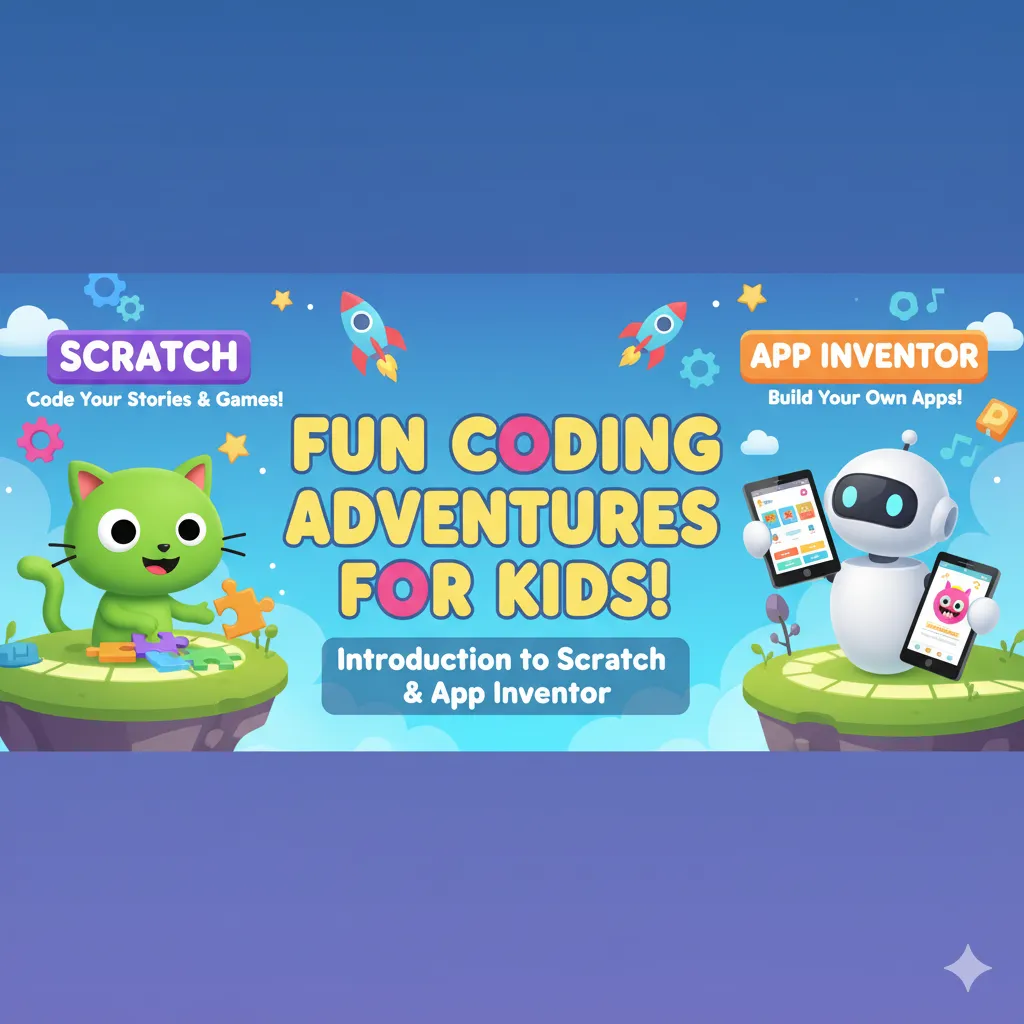
Introduction to Scratch and App Inventor
Begin your coding journey with Introduction to Scratch and App Inventor! This course introduces students to visual programming, helping them create interactive stories, games, and mobile apps. Learn the fundamentals of logic, sequencing, and problem-solving while bringing ideas to life through fun, hands-on projects. Perfect for beginners eager to explore coding and app development in a simple and engaging way.
Level 1 Syllabus
-
Introduction to Scratch
Welcome to the World of Scratch!
Your First Program: Making Things Move!
Setting the Scene with Backdrops
Bringing Sprites to Life with Animation
Making Your Project Interactive
Adding Sounds and Music
Project: Let's Have a Dance Party!
Become an Artist with the Paint Editor
Creating a Mini-Movie (Animation Project)
Building a Fun Sound Game
Project: Let's Form a Music Band!
-
Introduction to App Inventor
Welcome to App Inventor: Your First App!
App Design: Buttons, Labels & Pictures
Coding with Blocks: Making Your App Smart
Interactivity: Responding to Taps & Touches
Adding Sound & Media to Your App
Using the Phone's Clock & Timer
Project: Build Your Own Custom Alarm Clock App!
Exploring More App Components
Creating Dynamic Apps with Variables
Debugging: Finding & Fixing App Problems
Project: Simple Calculator App
🎯 Major Projects (Level 1)
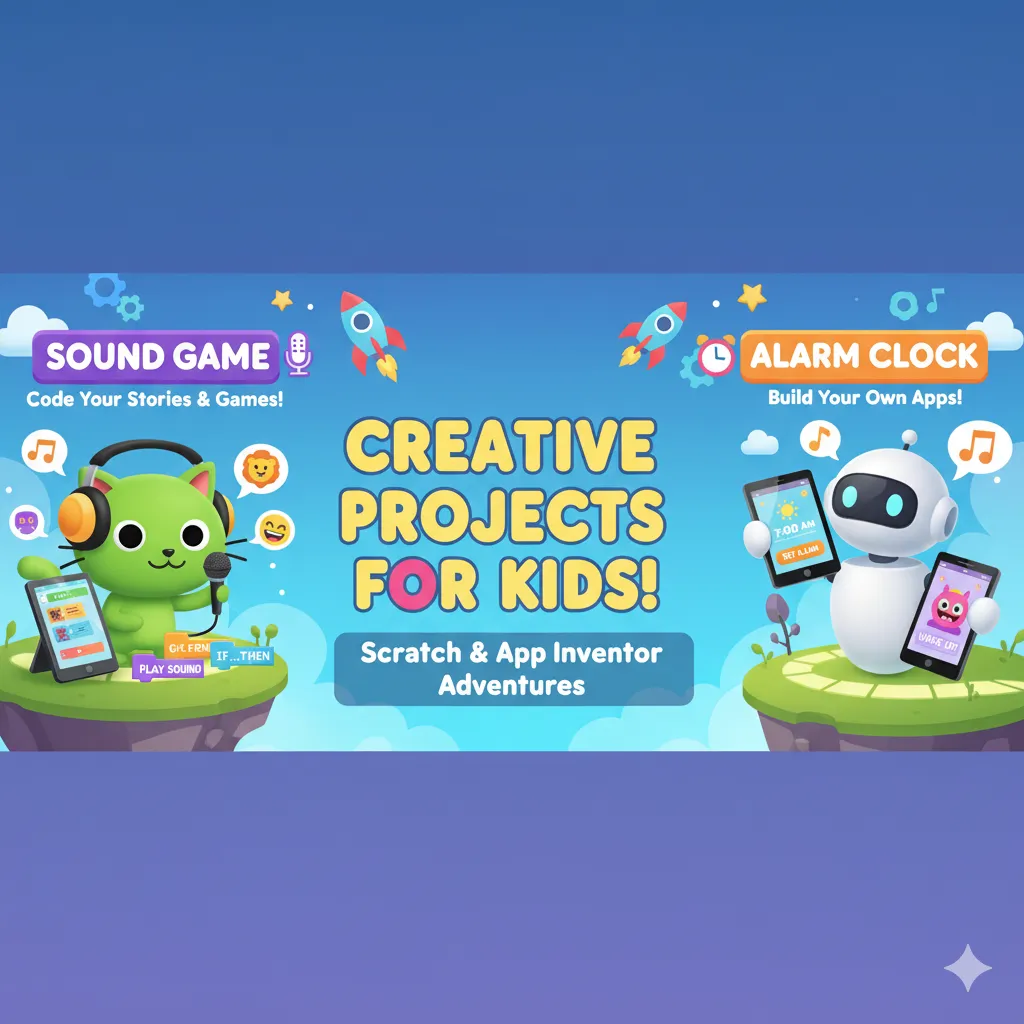
Sound Game and Alarm Clock
Bring creativity and coding together with Sound Game and Alarm Clock projects! Students will learn to design interactive sound-based games, explore audio effects, and create a functional alarm clock using visual programming tools. These projects help develop problem-solving skills, logical thinking, and hands-on coding experience while making learning fun and engaging.
Programming concepts using Scratch and App Inventor
Learn the fundamentals of coding with Programming Concepts using Scratch and App Inventor! This course introduces students to key programming principles such as loops, conditions, variables, and events through fun, interactive projects. By creating games, apps, and animations, learners develop logical thinking, problem-solving skills, and a strong foundation in coding—all in a beginner-friendly, visual environment.
Level 2 Syllabus
-
Programming Concepts Using Scratch
Events: Starting Your Code
Sequencing: Making Steps Happen in Order
Loops: Repeating Actions
Conditionals: Making Choices with "If-Then" Logic
Variables: Storing Information Like Scores
Coordinates: Moving Sprites on the Stage
User Input: Interacting with Your Player
Operators: Using Math and Logic
Broadcasting: Letting Sprites Talk to Each Other
Cloning: Creating Copies of Sprites
Custom Blocks: Building Your Own Code Blocks
Final Project: Combining All Your Skills!
-
Programming Concepts Using App Inventor
Components & Properties: Building Blocks of Your App
Events: Making Your App Respond to Actions
Event Handlers: What Happens When an Event Occurs
Variables: Storing Data in Your App
Logic (Conditionals): Making Decisions (If/Then/Else)
Procedures: Creating Reusable Blocks of Code
Loops: Repeating Actions in Your App
User Input: Getting Information from the User
Data Types: Numbers, Text, and Booleans
Lists: Storing Collections of Data
Sensors: Using Phone Capabilities (e.g., Accelerometer, GPS)
Working with Databases (TinyDB): Saving App Data
Debugging: Finding and Fixing App Bugs
Final Project: Building a Complex App!
🎯 Major Projects (Level 2)
Math Blaster and Mole Mash Game
Step into the world of fun and learning with Math Blaster and Mole Mash Game! Students will create interactive games that sharpen math skills, hand-eye coordination, and problem-solving abilities. Through visual programming, they’ll design engaging gameplay, track scores, and add animations, making learning math and coding an exciting, hands-on experience.
Build Stories using Scratch and Advance Database Concepts in App Inventor
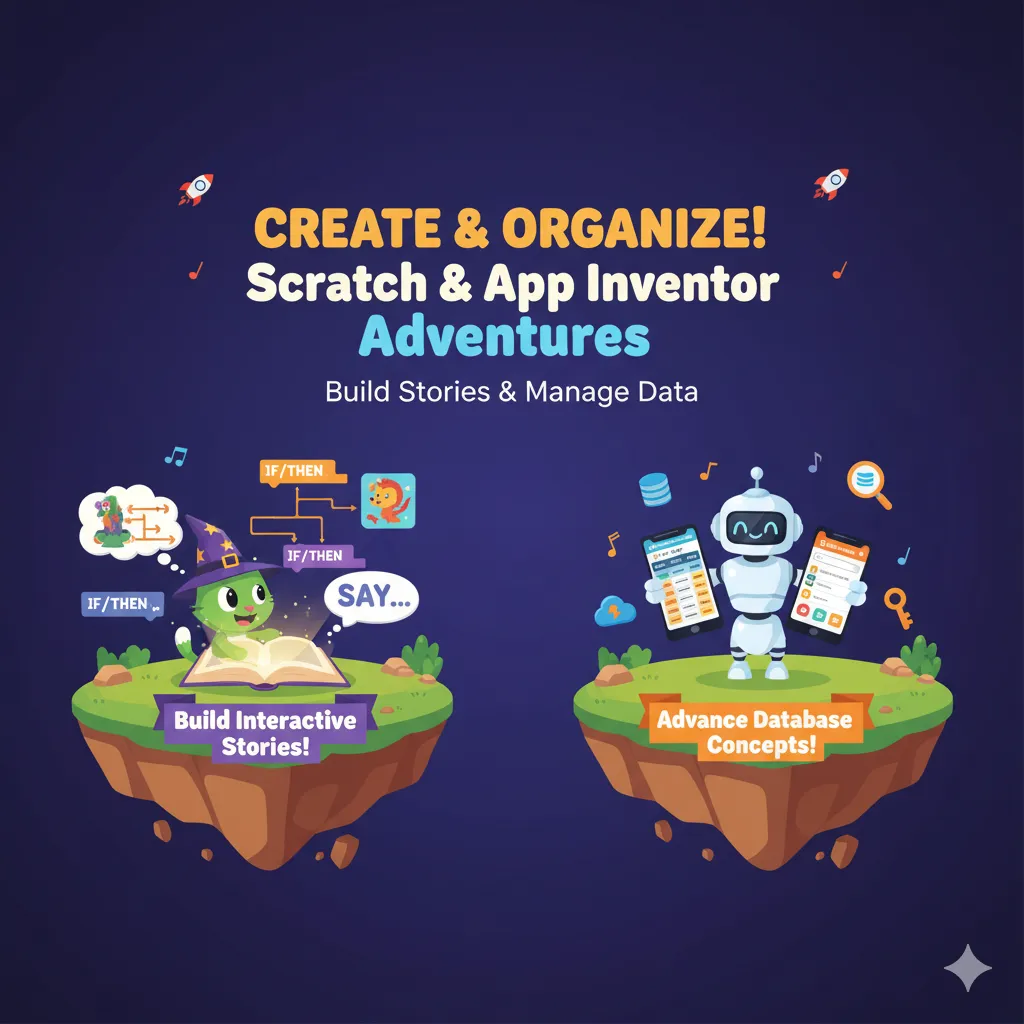
Unleash creativity and tech skills with Build Stories using Scratch and Advanced Database Concepts in App Inventor! Students will learn to create interactive stories, animations, and games in Scratch, while exploring how to store, retrieve, and manage data in mobile apps using App Inventor. This course combines storytelling, coding, and app development to enhance creativity, logical thinking, and problem-solving skills.
Level 3 Syllabus
-
Build Stories using Scratch
Storytelling Basics in Scratch: Characters, Settings & Plot
Choosing & Creating Sprites: Your Story's Actors
Designing Backdrops: Setting the Scene
Bringing Characters to Life: Movement & Expressions
Making Characters Talk: Speech & Thought Bubbles
Adding Emotion with Sounds & Music
Interactive Choices: Letting the Audience Decide
Creating Multiple Scenes: Changing Backdrops
Using Broadcasts: Coordinating Events Between Sprites
Planning Your Story: Storyboarding & Dialogue
Project: Your Epic Interactive Adventure!
-
Advance Database Concepts in App Inventor
Review of TinyDB: Storing Simple Data Locally
Understanding CloudDB: Storing Data on the Internet
Connecting to FirebaseDB: Realtime Online Database
Storing & Retrieving Complex Data: JSON and Lists
Structuring Data: Designing Your Database
User Authentication (Basic): Identifying Users
Saving User Preferences & Settings
Creating Multi-User Apps: Sharing Data
Realtime Updates: Making Apps Respond Instantly
Handling Errors & Offline Data
🎯 Major Projects (Level 3)
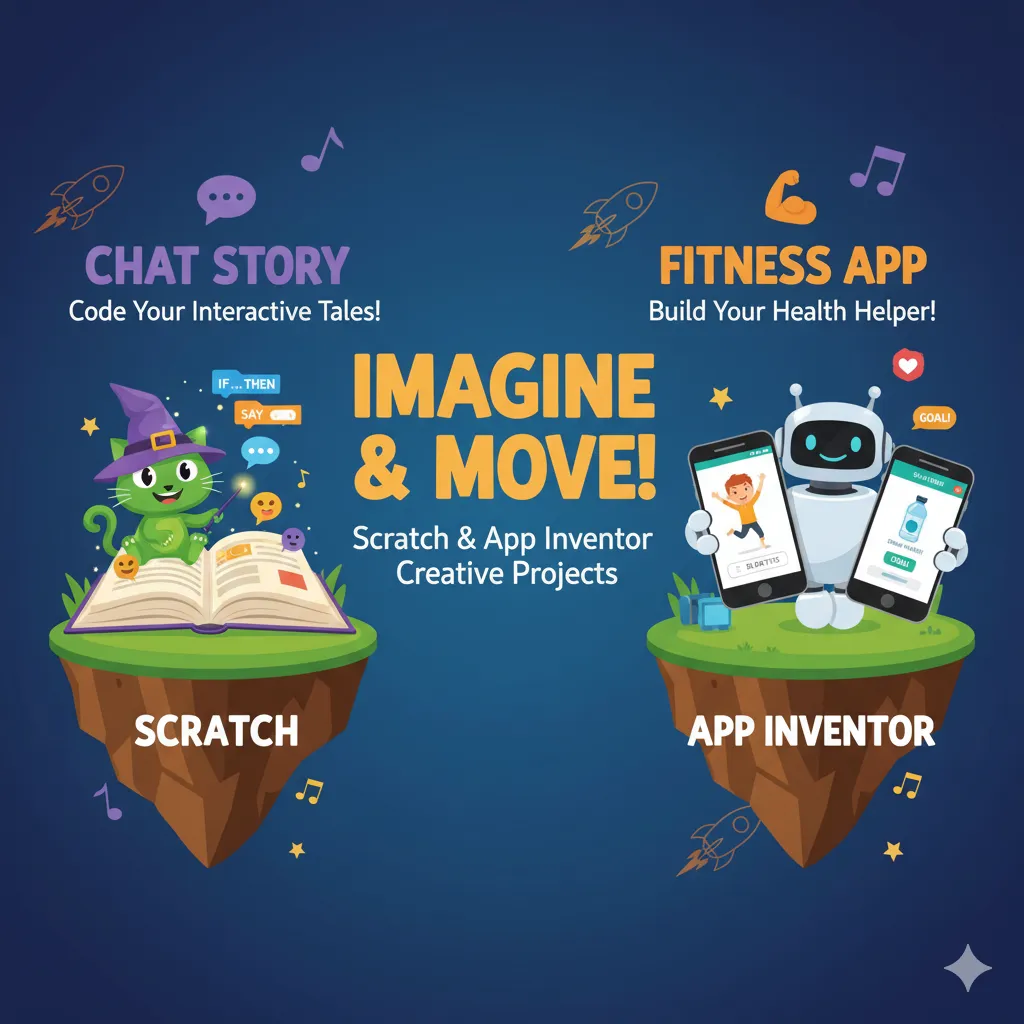
Chat Story and Fitness App
Combine creativity and technology with Chat Story and Fitness App projects! Students will design interactive chat-based stories in Scratch, bringing characters and narratives to life, while learning to build a functional fitness app in App Inventor to track activities and goals. Perfect for developing coding skills, logical thinking, and app-building experience through fun, hands-on projects.