Introduction to Android App Development
Course
Master the skills and knowledge necessary to develop real-based mobile applications in Android Studio using the Java programming language.
Android App Development:
This section provides a complete overview of Android Development and helps students to start their journey in App Development.
🎉 Ready to start your child’s coding adventure? Get started with Android App Development today!
3 Level | Age 12+
Choose Your Level
Select the level that best fits your learning journey
Introduction of Android App Development
Step into the world of mobile technology with Introduction to Android App Development! This course is designed to teach students how to create functional and engaging Android applications from scratch. Learners will explore the fundamentals of Android Studio, app layouts, user interfaces, interactive components, and basic coding logic. Through hands-on projects, students will learn to design apps that can perform tasks, respond to user input, and integrate multimedia elements. By the end of the course, participants will have a strong foundation in Android development, problem-solving skills, and the confidence to build their own apps, paving the way for advanced mobile app projects.
Level 1 Syllabus
-
Android Development – Basics & UI
a. Introduction & Setup
-
Android Overview
-
Installation and Android Studio
-
OOPs Concepts – Recap
b. UI Layouts
-
UI Layout-I – Basic Block of UI, View Object, LinearLayout vs Relative Layout, Table Layout
-
UI Layout-II – Absolute Layout, Frame Layout, List View, Grid View
c. Event Handling & Activities
-
Event Handling – I
-
Event Handling – II
-
Activities – I
-
Activities – II
d. Styling & Components
-
Styles and Themes
-
Custom Components – I
-
Custom Components – II
e. Project-Based Learning
-
Mini Project – II
-
-
Advanced Android Development & Features
a. Services & System Features
-
Android Services
-
Android Broadcast Receivers
-
Android Content Providers
-
Android Fragments
-
Android Intents/Filters
b. Communication & Interaction
-
Android Sending Email/SMS
-
Android Drag and Drop Feature
-
Android Phone Calls
c. UI Controls & Deployment
-
UI Controls – I
-
UI Controls – II
-
Mini Project – III
-
Deploying Android Applications
-
🎯 Major Projects (Level 1)
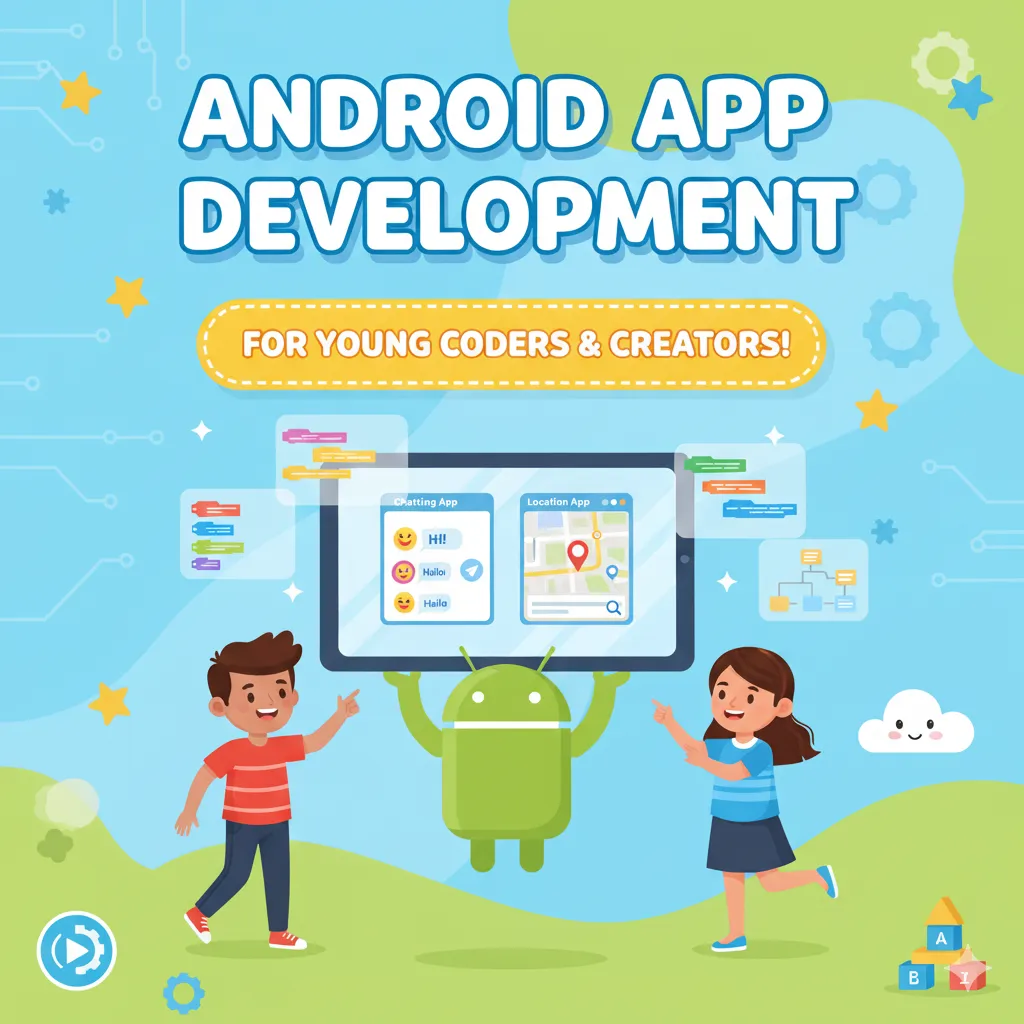
Chatting App and Location App
Dive into practical mobile app development with Chatting App and Location App projects! In the Chatting App project, students will learn to create interactive messaging applications that allow users to send and receive messages, implement real-time communication, and design intuitive user interfaces. The Location App project teaches learners how to integrate geolocation features, maps, and location-based services to build apps that respond to users’ positions in real time. Through these hands-on projects, students will gain expertise in Android development, user interface design, backend logic, and problem-solving, preparing them to create functional, real-world applications that combine technology and creativity.
Android Apps with Flutter and Kotlin
Step into modern mobile app development with Android Apps using Flutter and Kotlin! This course introduces students to two powerful technologies for building dynamic, cross-platform, and native Android applications. Learners will explore Flutter to design beautiful, responsive user interfaces with widgets and animations, while using Kotlin to implement robust backend logic, app functionality, and data management. Through hands-on projects, students will create interactive, real-world apps, learning best practices in UI/UX design, coding structure, and debugging. By the end of the course, participants will have a strong foundation in mobile app development, problem-solving, and the confidence to build their own professional-grade applications.
Level 2 Syllabus
-
Flutter & Dart Mobile App Development
a. Introduction & Setup
-
Introduction and Installation
-
Dart Programming Language
b. Widgets & UI Components
-
Widgets – 1
-
Widgets – 2
c. Mini Projects
-
Mini Project – TechUpgrad
-
ID Card
d. Major Projects
-
Food Ordering App
-
Calculator App
-
Furniture App
-
Despicable App
-
Travel App
-
Chat App
-
-
Kotlin Android Development
a. Introduction & Basics
-
Introduction to Kotlin and Installation
-
Kotlin Syntax and Programs
-
OOPs Programs Using Kotlin Syntax
b. App Development & Layouts
-
Create Your First Application in Kotlin
-
Explore the Layout Editor
-
Components – TextView, ImageView, ListView
-
Other Components – Bar, Switcher, Time Picker
-
Add Views and Constraints
c. Mini Projects & Apps
-
Event Planner App – Section 1
-
Event Planner App – Section 2
-
Address Book / Contacts App
-
🎯 Major Projects (Level 2)
Travel App, Address Book and Furniture App
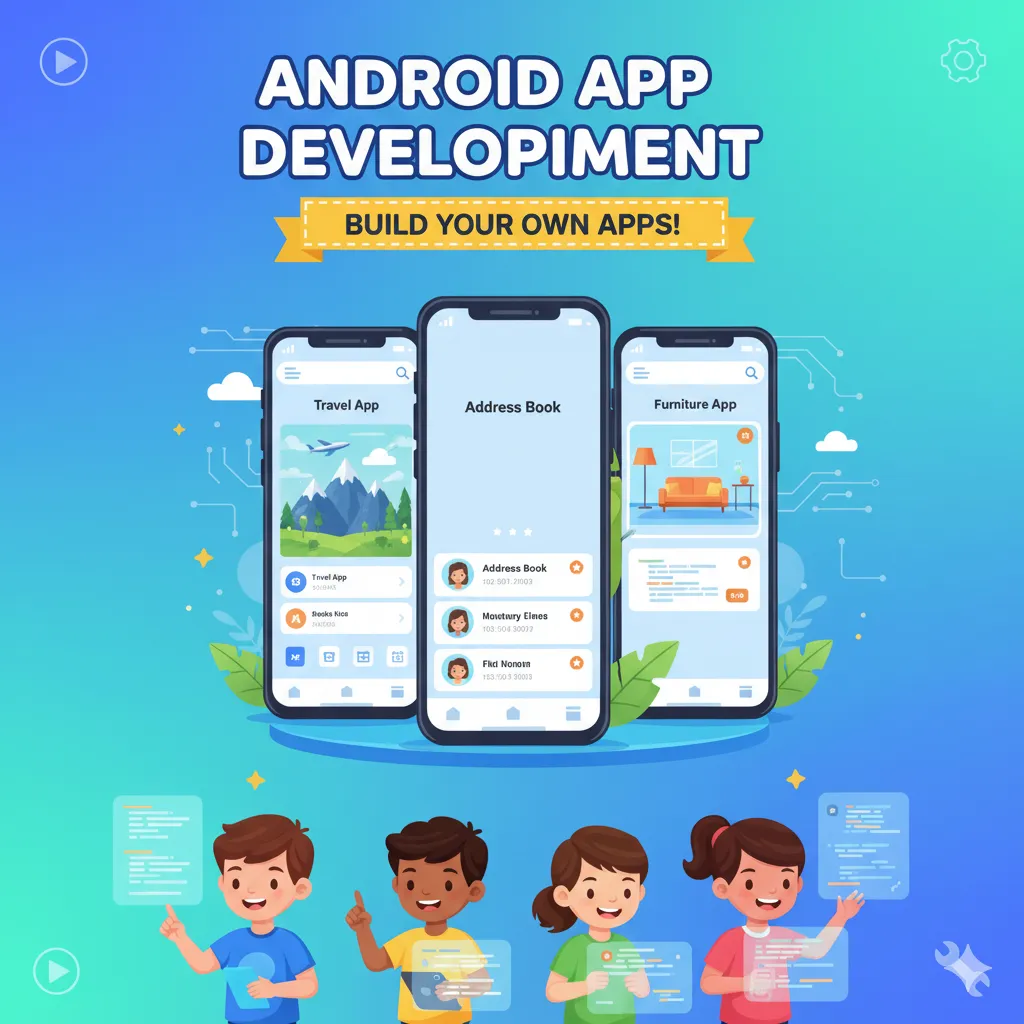
Explore the world of mobile app development with hands-on projects like Travel App, Address Book, and Furniture App! In the Travel App, students will learn to create an interactive platform that provides information about destinations, routes, and itineraries, integrating maps, images, and user-friendly interfaces. The Address Book project teaches learners to design apps for storing, organizing, and managing contacts efficiently, emphasizing data handling and functional UI design. In the Furniture App, students will build an engaging shopping-style app to browse products, view details, and simulate user interactions, combining creativity and practical coding. Through these projects, learners gain expertise in Android development, app navigation, UI/UX design, and problem-solving, building skills to create real-world applications with professional functionality.
Roblox
Step into the creative universe of Roblox Game Development! This course introduces students to designing and building interactive games within the Roblox platform, combining coding, 3D design, and storytelling. Learners will explore Roblox Studio, create characters, environments, and game mechanics, and implement logic using Lua scripting. Through hands-on projects, students develop problem-solving skills, computational thinking, and creativity while bringing their own immersive game worlds to life. By the end of the course, participants will have the skills to design engaging games, understand game dynamics, and showcase their creations on the Roblox platform.
Level 3 Syllabus
-
Roblox Studio – Basics & Setup
a. Introduction & Installation
-
Introduction to Roblox Studio
-
Introduction to World Building
-
Downloading and Installation
-
Roblox Editor Tools and Its Features
-
Roblox Account Creation and Saving the Games/Projects
b. Basic Scripting & Variables
-
Variables and Properties
-
Instancing
-
Script in Roblox
-
String Variables
-
Operators
-
Conditional Statements
-
While Loops
-
For Loops
-
Create and Use Functions
c. Mini Projects & Games
-
Game / Dice Game
-
Gesture Recognition
-
Game
-
Arrays
-
Dictionaries
-
-
Advanced Roblox Scripting & Module Scripts
a. Module Scripts
-
Module Scripts – Introduction
-
Creation – Module Script
b. Game Development Projects
-
Arcade Game
-
Creating World
-
Create and Destroy – “Challenge Game”
-
🎯 Major Projects (Level 3)
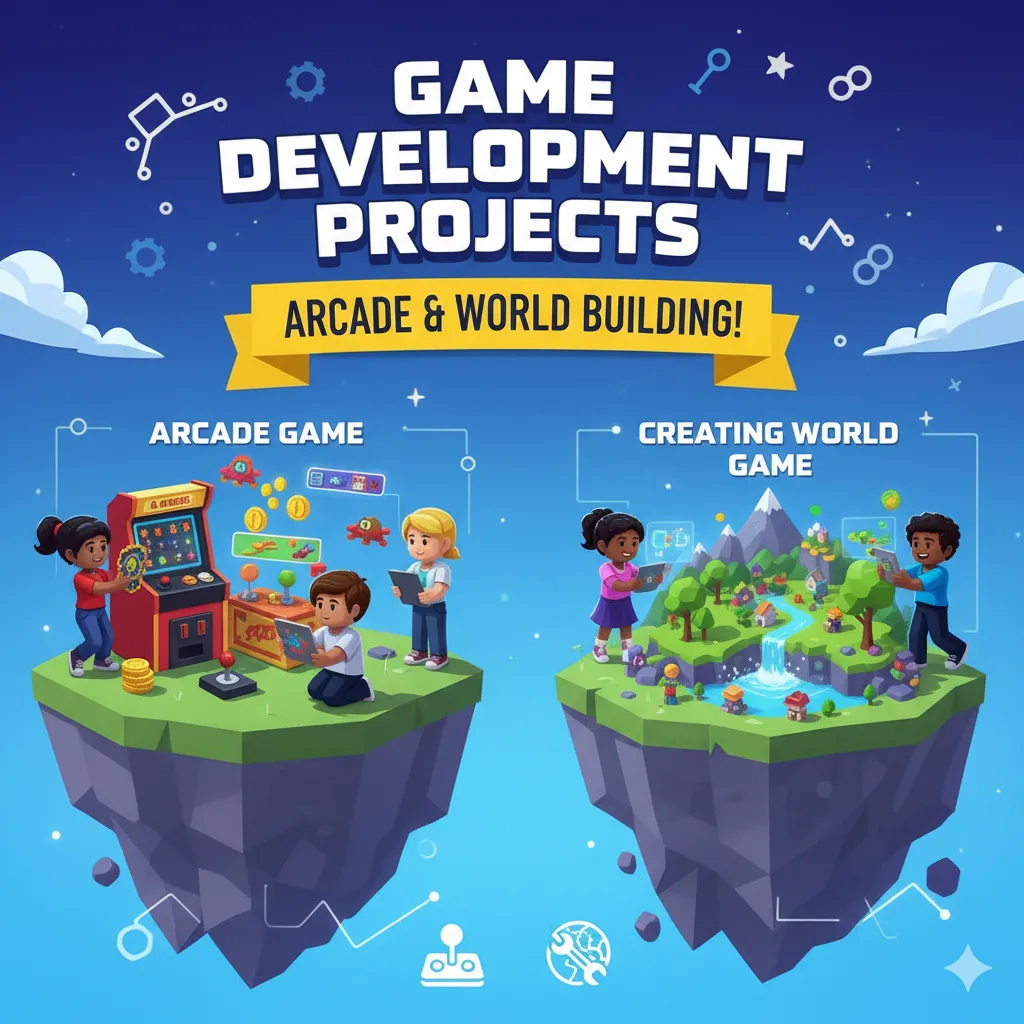
Arcade Game and Creating World Game
Step into the exciting world of game development with Arcade Game and Creating World Game projects! In the Arcade Game project, students will learn to design fast-paced, interactive games with scoring systems, levels, and engaging gameplay mechanics. The Creating World Game project allows learners to build immersive virtual environments, design characters, and implement interactive elements to bring their imaginative worlds to life. Through these hands-on projects, students will enhance programming skills, logical thinking, creativity, and problem-solving abilities while gaining practical experience in game design and development. By the end of the course, participants will have fully playable games and a strong foundation to explore advanced game development concepts.