Introduction to 3D Designing and Games in Scratch
Course
Students get familiar with the 3D design tool, TinkerCad, which allows them to create 3D animated objects for projects.
They also learn how to develop 3D and animated games using Scratch components.
Overview of TinkerCad:
This section covers the basics of TinkerCad. The student will explore the techniques of the 3D models and different patterns of it.
🎉 Ready to start your child’s coding adventure? Get started with 3D Designing and Games in Scratch today!
3 Level | Age 6+
Choose Your Level
Select the level that best fits your learning journey
Introduction to 3D Designing and Games in Scratch
Dive into the exciting world of 3D Designing and Game Development in Scratch! This course introduces young creators to the fundamentals of visual coding while exploring how to design 3D scenes, characters, and interactive games. Students will learn to combine creativity with logic—building their own virtual worlds, animations, and fun projects step by step. A perfect start for beginners to develop problem-solving skills and spark an interest in game design and programming.
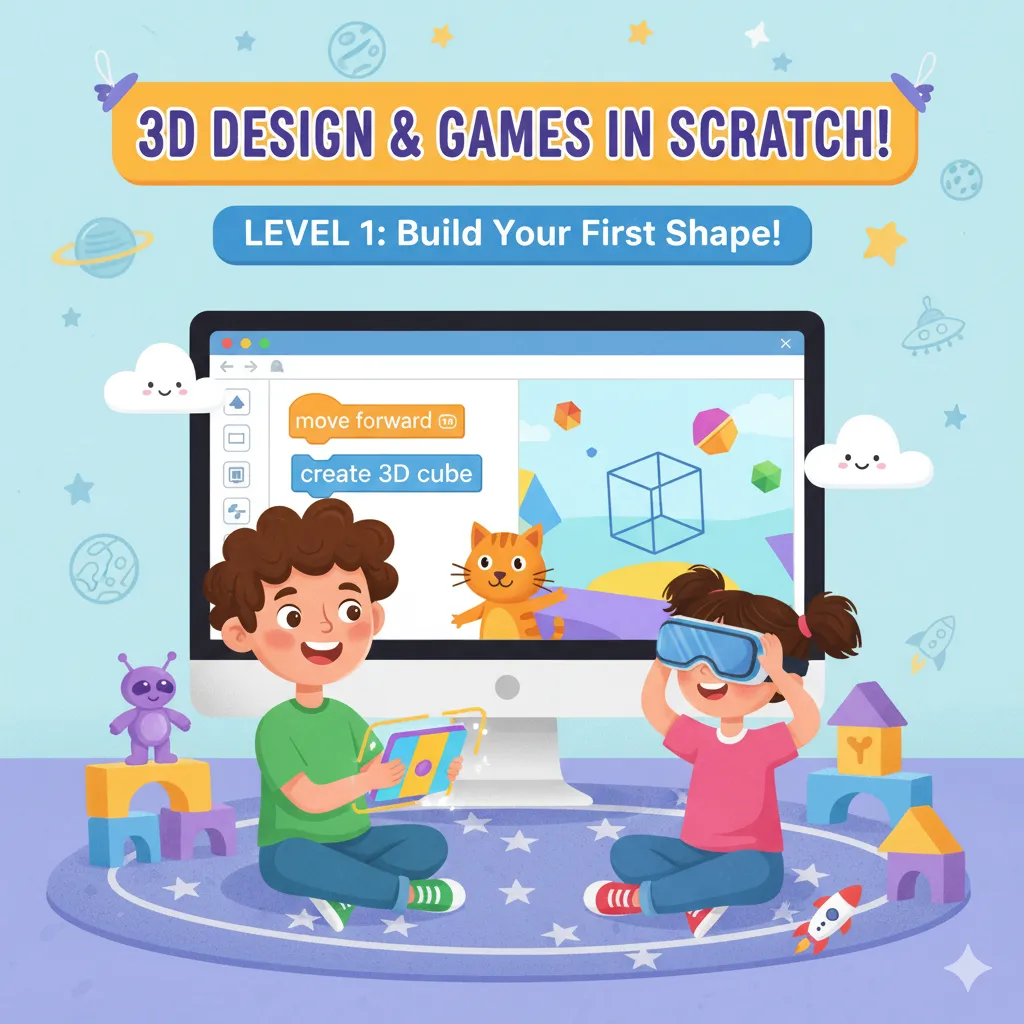
Level 1 Syllabus
-
3D Modelling with TinkerCAD
a. Getting Started with TinkerCAD
-
Introduction to TinkerCAD
-
Editing Objects
-
Creating Your First Model
b. Learning Modelling Techniques
-
Learning Basic Modelling Techniques
-
Recreating a Pattern Found in Nature
c. Advanced Modelling Projects
-
TinkerCAD Share Generators
-
Creating Your Own Avatar – Part 1
-
Creating Your Own Avatar – Part 2
-
Creating Your Own Avatar – Part 3
-
Creating Your Own Avatar – Part 4
-
-
Creating 3D Games in Scratch
a. Fundamentals of 3D in Scratch
-
How to Start Creating 3D Games Using Scratch
-
3D Objects in Scratch
-
Data Representation – Transformation
-
Data Representation – Projection
b. Applying 3D Effects in Games
-
3D Effects
-
Create a Building Project – Scratch
-
Scratch Game – Racing Game in 3D
-
Subway Surfer Game in 3D
-
🎯 Major Projects (Level 1)
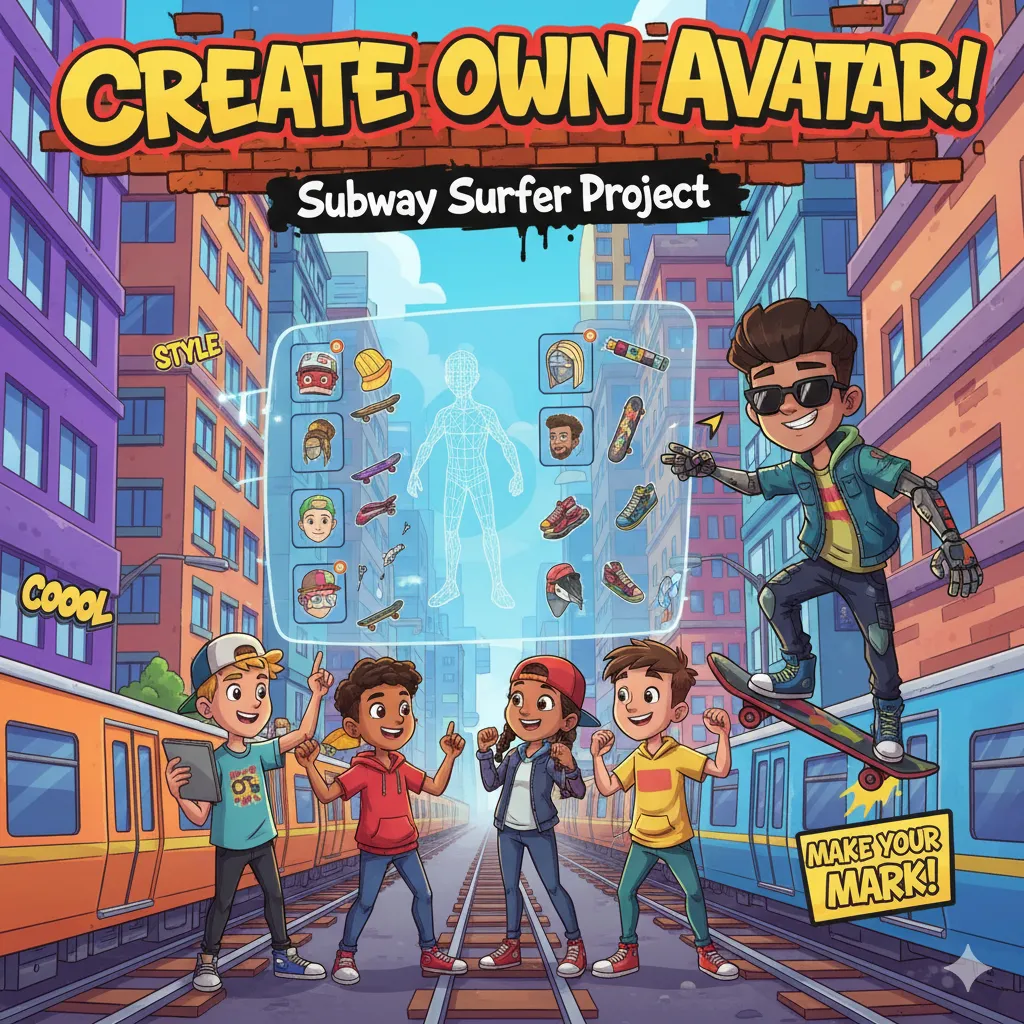
Create your own Avatar and Subway Surfer
Step into the world of game creation with Create Your Own Avatar and Subway Surfer in Scratch! In this fun and interactive course, students will design unique avatars, build dynamic backgrounds, and code an endless runner game inspired by Subway Surfer. Learn how to control movement, add obstacles, track scores, and bring your imagination to life with colorful animations and sounds. A perfect blend of creativity and coding—ideal for beginners who want to make their very own action-packed game!
UI Designing and 3D Applications in App
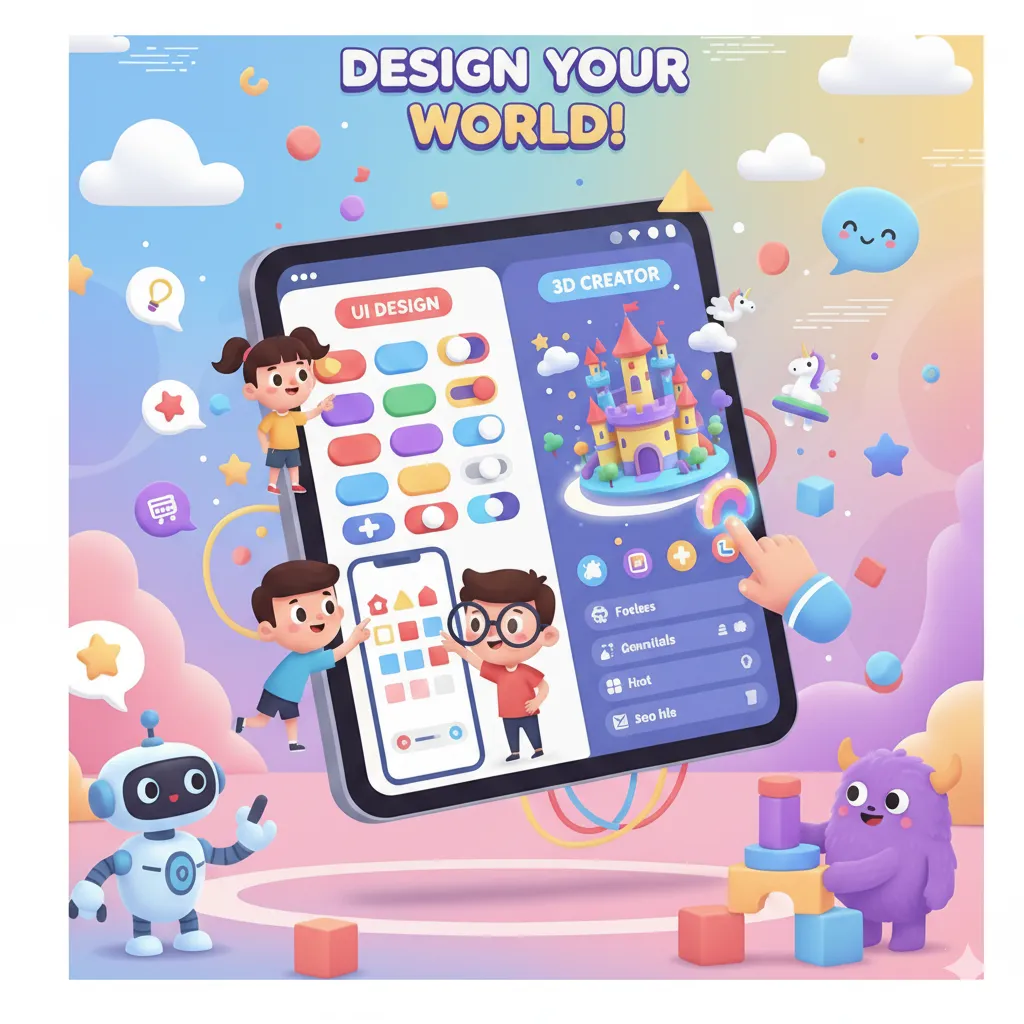
Explore the art of UI Designing and 3D Applications in this creative and tech-powered course! Learn how to design user-friendly interfaces, create stunning layouts, and integrate 3D elements into mobile apps. Students will understand the basics of design thinking, color theory, and app interaction while bringing their ideas to life through visual design tools. Perfect for young innovators who want to combine creativity and technology to build visually appealing, interactive apps.
Level 2 Syllabus
-
3D Animation & Game Design in App Inventor
a. Introduction to Animation
-
Animation in Apps
-
3D Models Using App Inventor
b. 3D Objects & Interaction
-
Rotate a Cube – App
-
Making Fighting Game Characters
c. Game Development Projects
-
Design a Fighting Game
-
Football Game in App Inventor
-
Fruit Ninja Game
-
-
Responsive Design & App Layouts in App Inventor
a. Fundamentals of Responsive Design
-
Responsive Design – Introduction
-
App Using Responsive Design
-
Website Viewer on App Inventor
-
Universal Screen Size
b. Practical Mini Projects
-
Mini Project – Responsive Design
-
Scrollable and Vertical Scroll Arrangements
-
Mini Project – Arrangements
-
Table Arrangements and Horizontal Arrangements
c. Advanced Concepts & App Implementation
-
Explanation on Variables and Datatypes, Bit and Binary
-
Complex Buttons
-
App Using Table Arrangements Design
-
🎯 Major Projects (Level 2)
Fruit Ninza App and Image Gallery Project
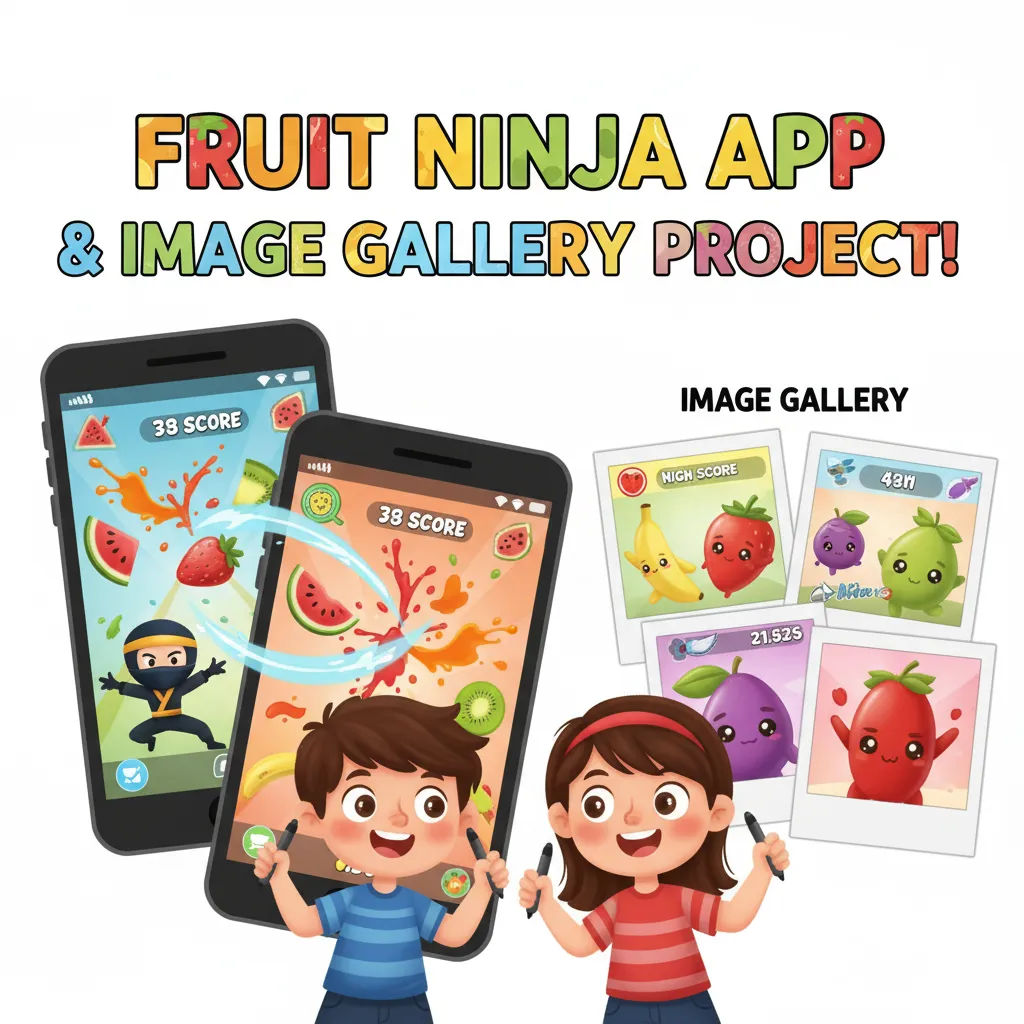
Get hands-on with exciting projects like Fruit Ninja App and Image Gallery Project! In this course, students will learn how to design, code, and bring interactive apps to life. They’ll explore swipe and touch controls to slice fruits in a fun gaming experience and create a stylish image gallery with smooth navigation and animations. A perfect course to build creativity, logic, and app development skills while having fun!
Robotics with Mblock
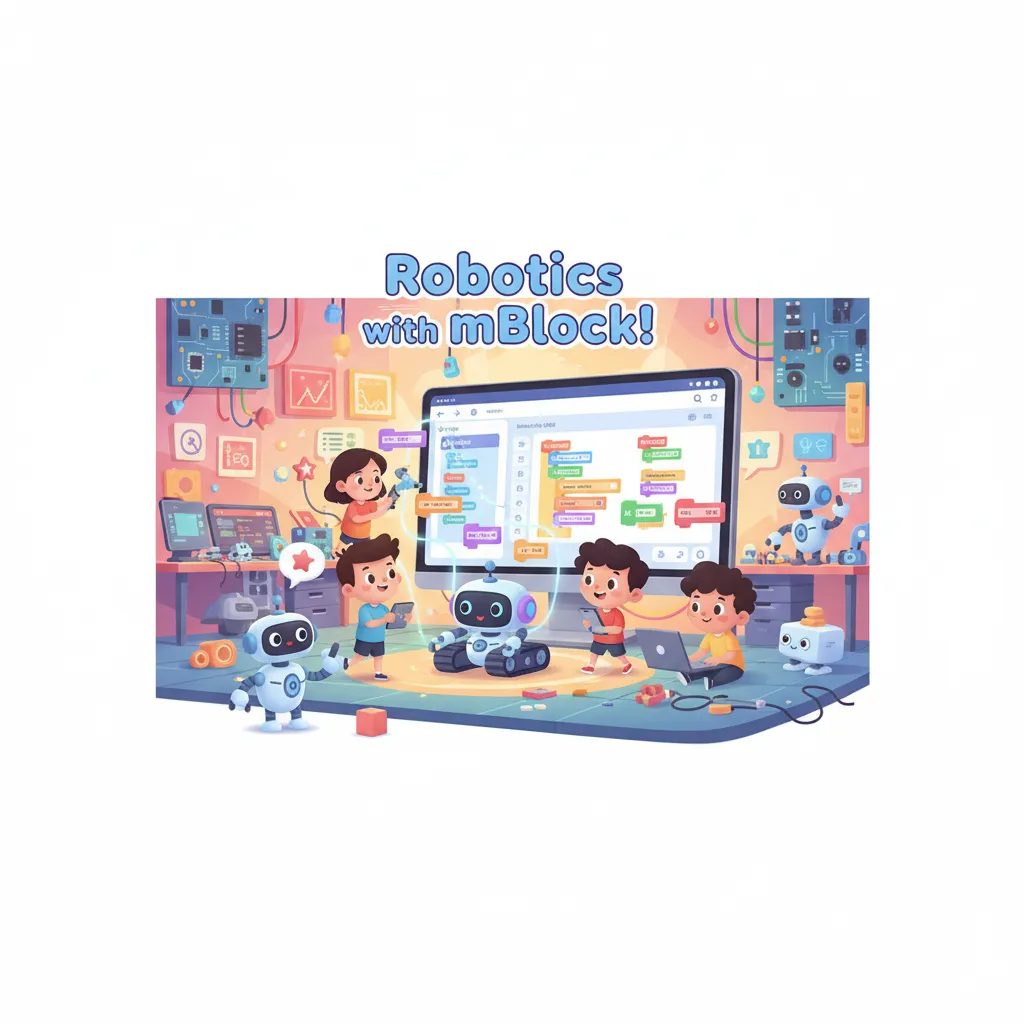
Step into the world of Robotics with mBlock! This course introduces students to programming and robotics using the visual coding platform mBlock. Learn to build and control robots, create automated movements, and solve real-world challenges through hands-on projects. Perfect for young innovators to develop problem-solving skills, logical thinking, and a passion for technology and robotics.
Level 3 Syllabus
-
Robotics & MBot Programming
a. Introduction to Robotics
-
What is Robotics? Importance of Robotics
-
Components of Mobile Robotics
-
Introduction to MBlock and Setup
b. Learning Platforms & Basic Programs
-
Stage Programs to Understand the Stage and the Platform
-
Weather Forecast and Draw Polygon
-
Words Recognition
-
Age Analyzer
-
Emotion Recognition
-
Smiley Face Contest
c. Advanced MBot Projects
-
Gesture Recognition
-
MBot Voice Control
-
Smart Waste Bin
-
Age Recognition
-
MBot Control – Let’s Move
-
Sensing Data
-
Listen to MBot 2
-
Seeing with Sound
-
Sightseeing
-
Careful Drive
-
Network Game
-
MBot at Your Service
-
MBot in the Wild
-
Perimeter Area Formula
-
-
Game Development & Scratch Projects
a. Game Fundamentals
-
Wechat Assistant
-
Conversation About Coronavirus
-
Keyword Recognition
-
Guessing Idioms
-
Smile Test
b. Sprite & Scene Management
-
Making Characters, Placing Sprites on the Screen, Events
-
Bouncing Sprite, Creating a Starry Night, Introducing Randomness to Games
-
Using Countdown Counters in Your Games, Creating Scenes and Levels, Using Story Text and Effects
c. Project-Based Game Development
-
Chase the Pizza, Time Flies, Happy Flower
-
Attacking Spacecraft, Free Throw, Barrels Dodger
-
Name Tag, Simple Extension, Maze
-
Falling Duck, Space Destroyer
-
Cat Jump
-
Jumpy Platform
-
🎯 Major Projects (Level 3)
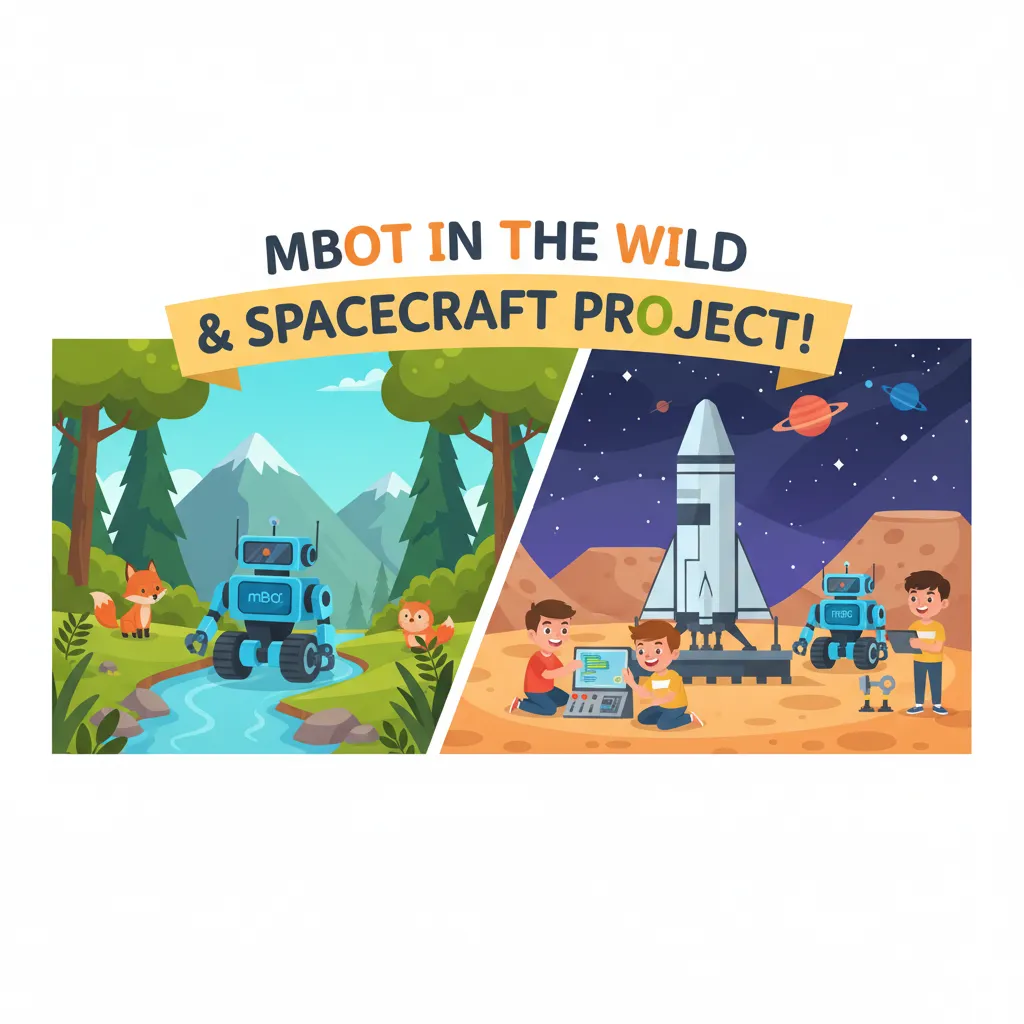
Mbot in the Wild and Spacecraft project
Explore technology and creativity with mBot in the Wild and Spacecraft Project! Students will learn to program mBots to navigate outdoor environments, complete challenges, and interact with sensors. In the Spacecraft Project, they’ll design and control a spacecraft model, applying coding and robotics concepts to simulate space exploration. Perfect for young learners to combine hands-on robotics, problem-solving, and imaginative projects.